Submit Orders
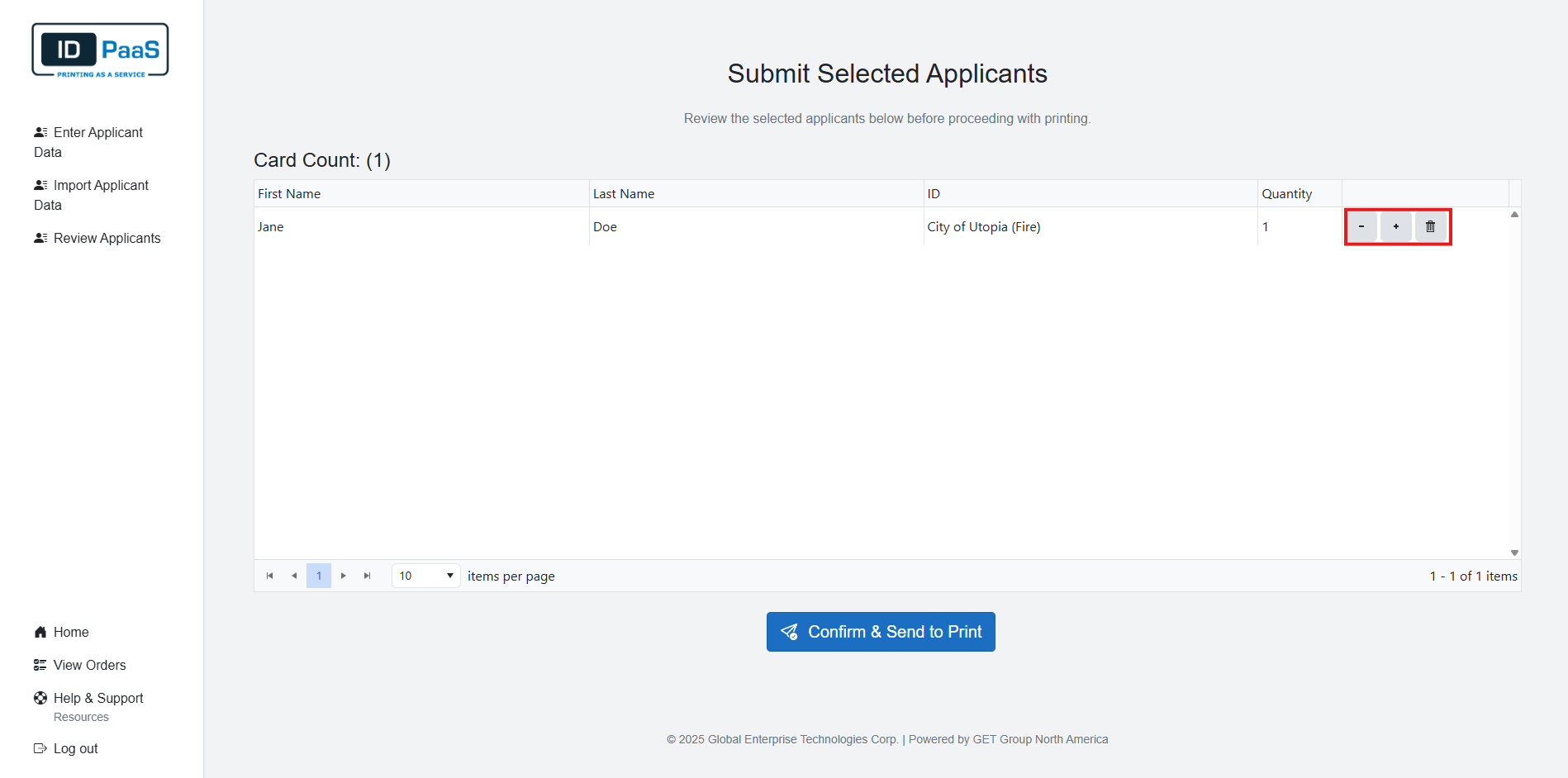
On the Review Order page, you will see a table with all the current Applicants added to your order.
You will see all the basic information about each Applicant from their First and last Name, ID used, and the Quantity of each card wanted.
You can adjust the Quantity of each ID by using the + or - buttons to increase or decrease the quantity. You may also delete a card from the order by either clicking the - button till you reach zero or by clicking the Trash button. You will be prompted to confirm that you want to delete the ID.
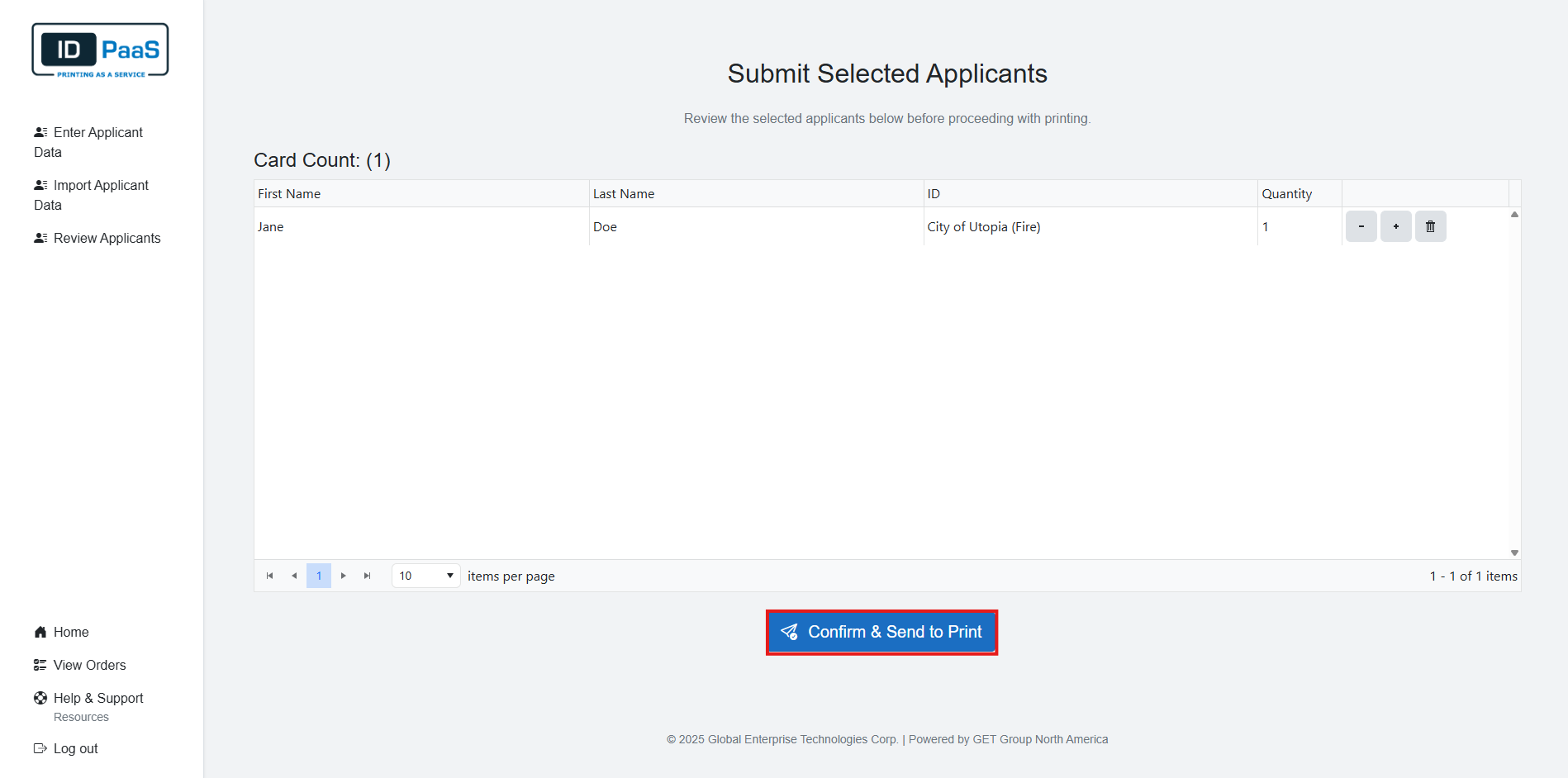
When you have finished reviewing your order, you can click the "Confirm & Send to Print" button.
After submitting your order, you will be greeted by a Thank you page. This Thank you page will Include your order ID and the support email address if you have any questions about your order.
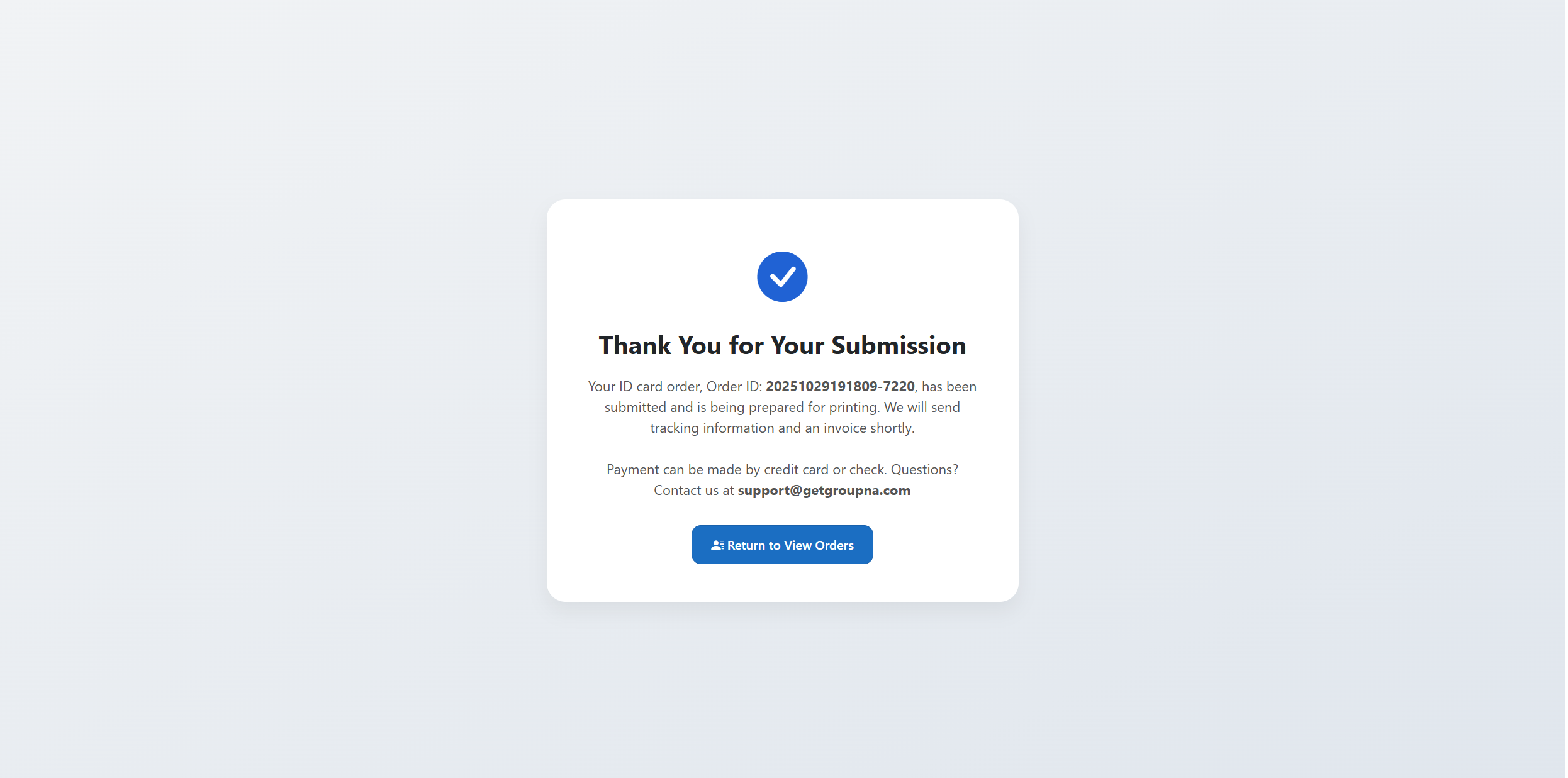
At the bottom of the page there will be a "Return to View Orders" button. This will return you to the view orders page which displays all your previous orders.